Writes the first draft. Stays with Apple.
Describe a goal and it fills in the tasks and rough times. Nothing is saved until you say so.
- Runs on your device or Apple’s Private Cloud Compute
- One switch turns it off, and the rest works the same
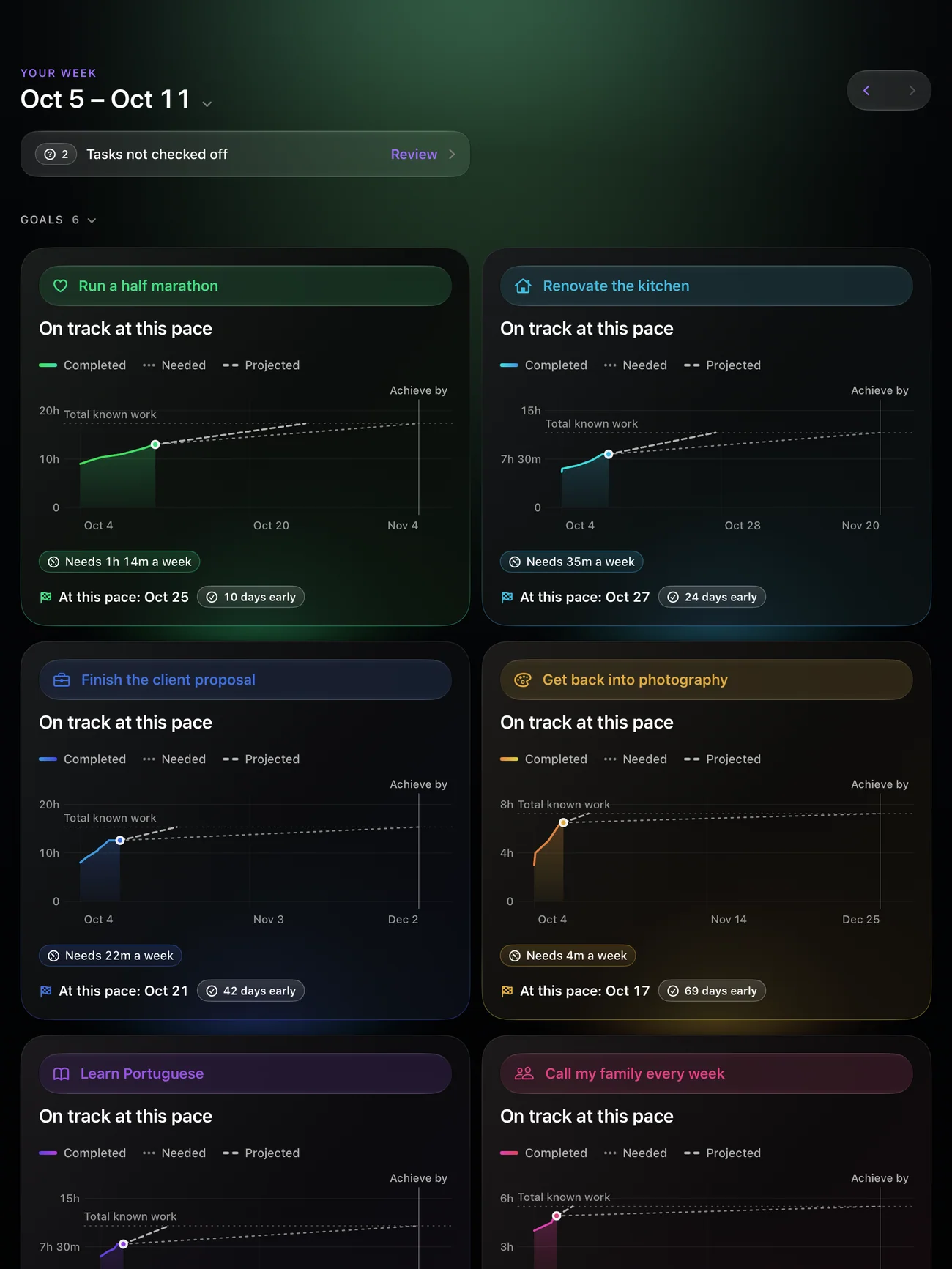
Turn goals into next steps, make room for them in your day, and see where your week went.

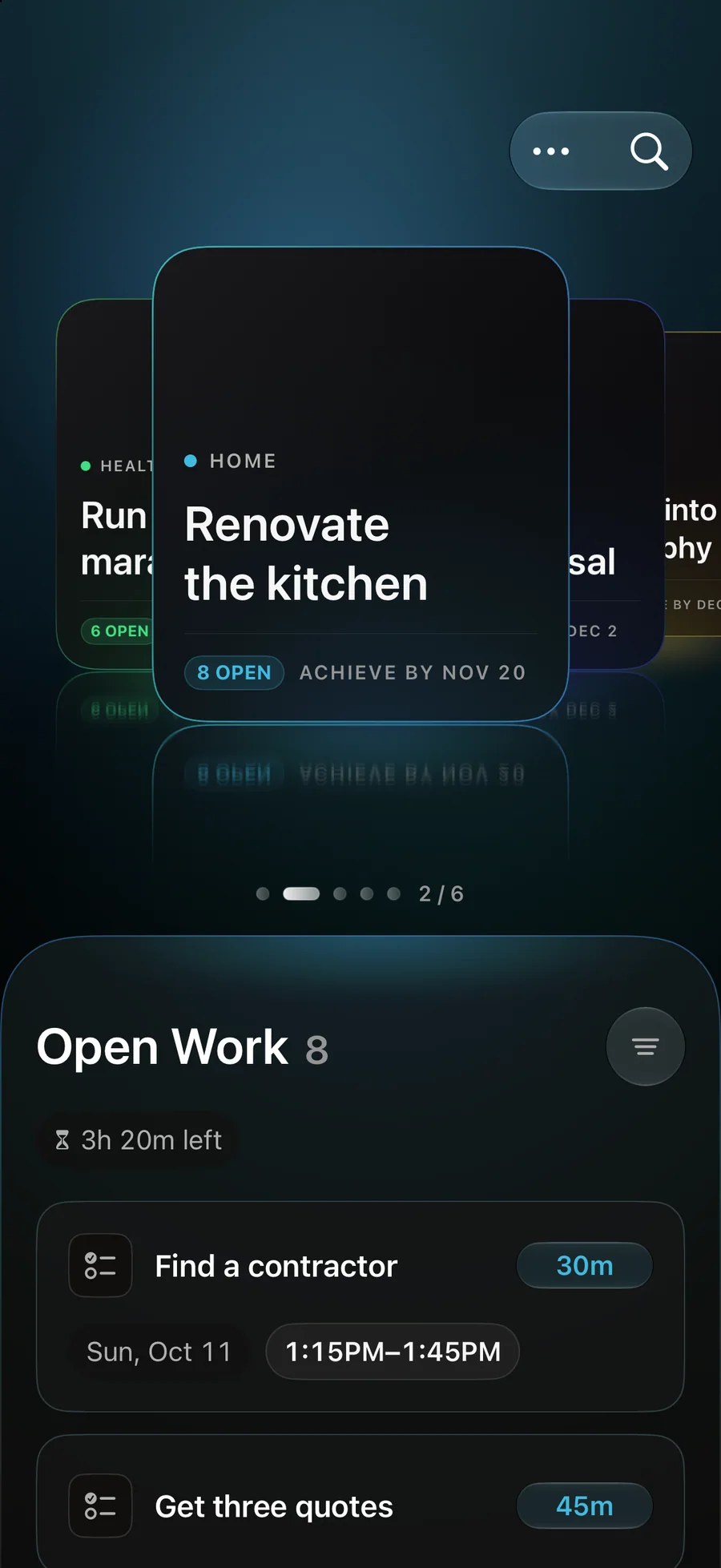
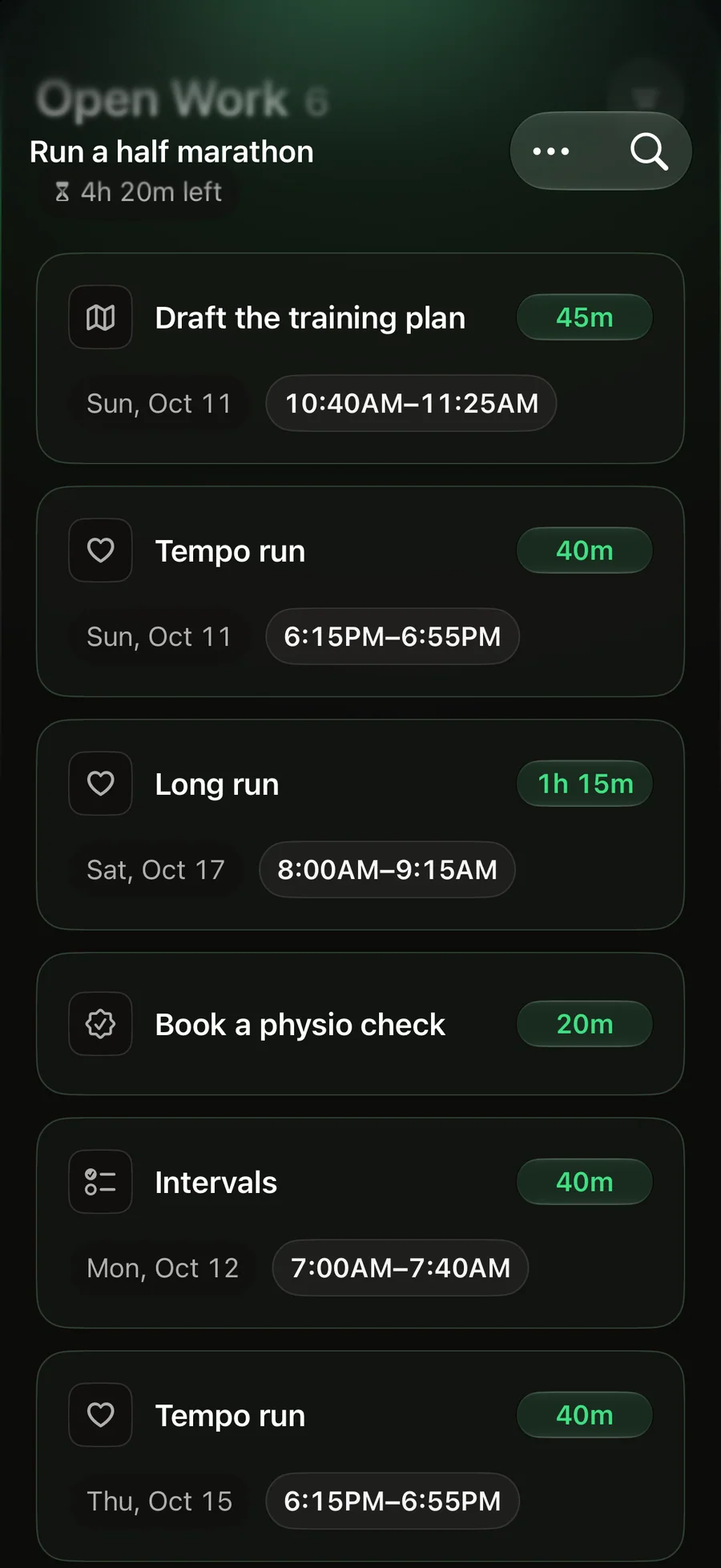
Set a goal for what you’re working toward. Write down the tasks that move it forward. Give the next step a place in your week. Every task stays connected to why it matters.

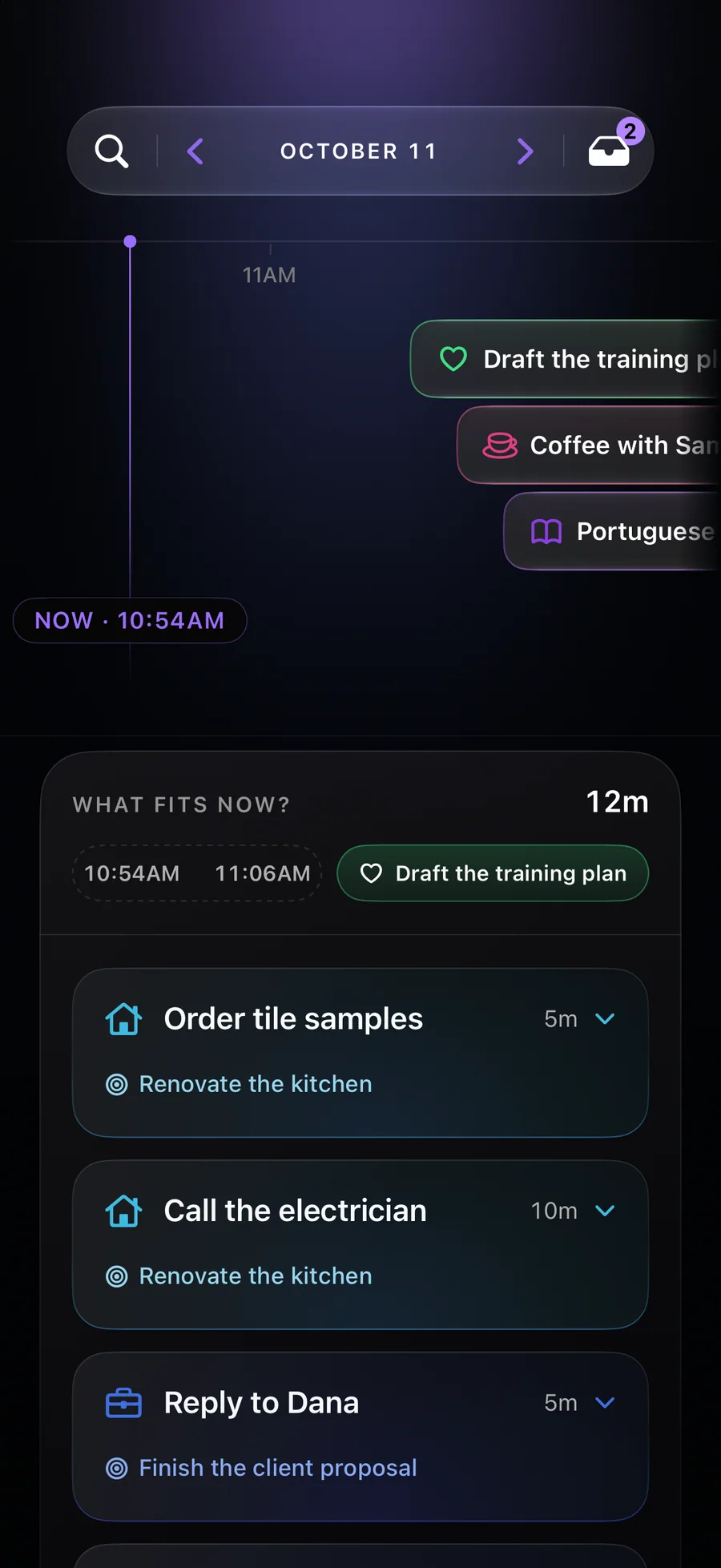
A useful next step fits here. Pick from Tasks or a Goal to use this time.

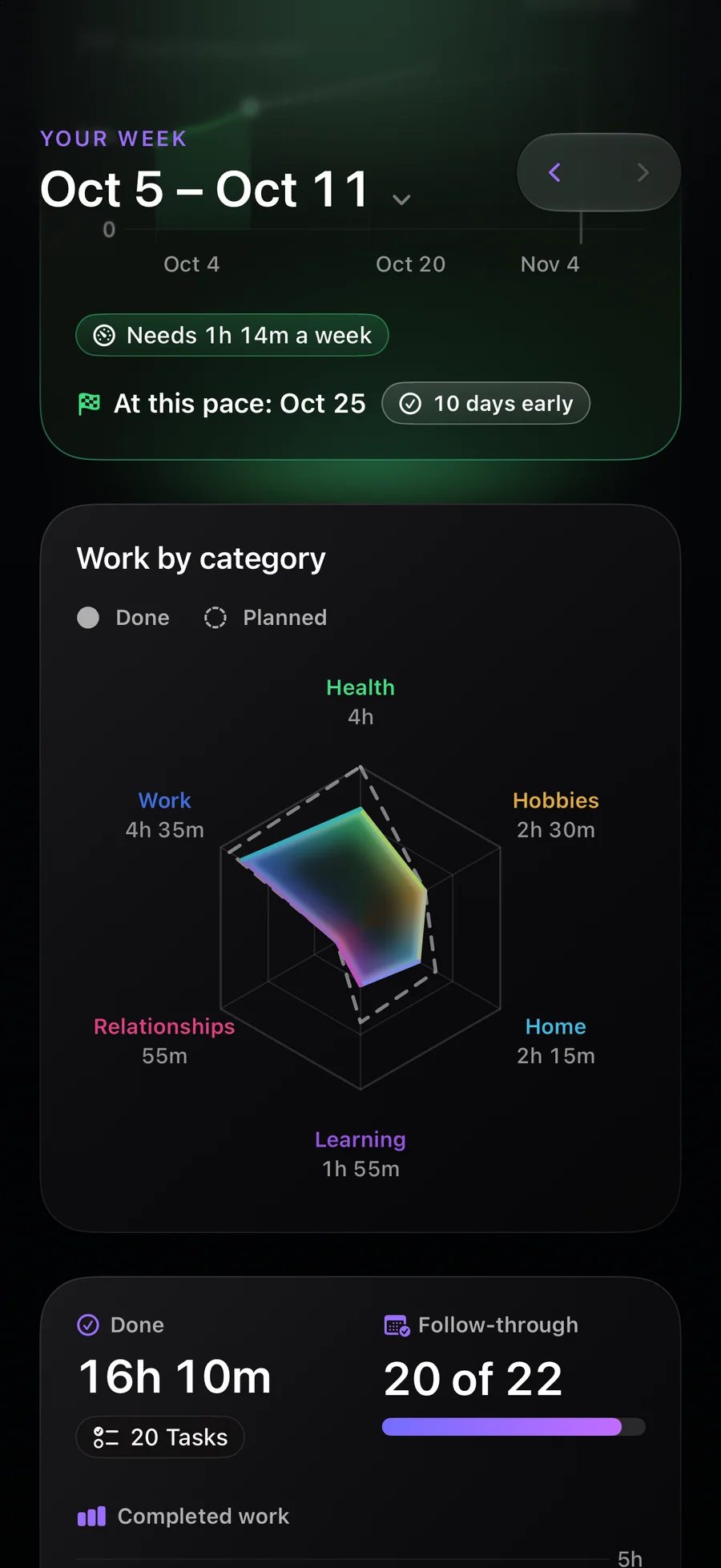
Reflect shows how much time you planned and completed in each area. Use it to see what had room this week, then make a more realistic plan for the next one.


Under the hood
Describe a goal and it fills in the tasks and rough times. Nothing is saved until you say so.
Planned and finished time by area, so next week’s plan can be more realistic.
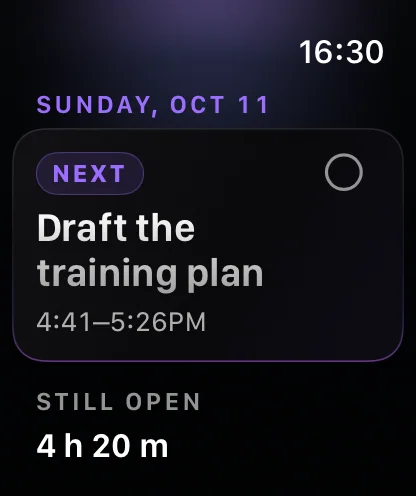
Tick a task off on the watch and it updates on your iPhone.

Sync is optional and lives in Apple’s private CloudKit storage. The developer has no access to it.
On every screen
With a companion app for Apple Watch. A native app, not a web view.


Private by design
Reflect Planner has no account system and no developer-run server holding your goals. Use it locally, or sync through your own iCloud account. Apple Intelligence runs through Private Cloud Compute or on device—never a developer-run AI service.
Read the privacy policyOpen the app and start planning. No sign-up or profile.
No ads, no advertising ID, nothing that follows you across apps.
Optional sync uses Apple’s private CloudKit storage.
Pricing
Monthly and Yearly start with 7 days free
$4.99 per month
Pay month to month and cancel before your next renewal.
Save 16%
$49.99 per year
A full year for less than paying month to month.
$199.99 paid once
One payment. Keep the full app with no subscription.
Prices in US dollars. Subscriptions renew until you cancel, any time in the App Store.Terms of Use
Frequently asked
iPhone and iPad running iOS or iPadOS 27 or later, with a companion app for Apple Watch on watchOS 26 or later. It is a native iPhone and iPad app, not a web view.
No. There is no sign-up, password, or profile. Open the app and start with a goal.
On your device, in the app’s own database. Turn on iCloud for Reflect Planner and it syncs between your devices through Apple’s private CloudKit storage. The developer has no access to it either way.
No. There are no ads, no advertising identifier, and nothing that follows you across other apps or websites. The one outside service in the app is RevenueCat, which keeps track of your subscription: it sees your purchases, never your plan. This website sets no cookies and loads no trackers.
Monthly is $4.99 per month and yearly is $49.99 per year, and both start with 7 days free if you haven’t subscribed before. Payment is charged to your Apple Account when you confirm, or when the free days end. Both renew automatically unless you cancel at least 24 hours before the current period ends, and each renewal is charged in the 24 hours before that. Outside the US and Singapore, yearly can also be paid in 12 monthly payments. Lifetime is $199.99 paid once, with no trial, and never renews. Prices are in US dollars; the App Store shows yours before you buy.
Apple bills every subscription, so you cancel it in the App Store rather than inside the app. On iPhone or iPad: Settings → your name → Subscriptions → Reflect Planner. On Mac: App Store → your name → Account Settings → Subscriptions. Cancelling stops the next renewal and leaves the period you have already paid for running to its end. If you pay for yearly in monthly payments, cancelling stops it renewing, but the payments left in that 12-month commitment are still due.
Apple processes every purchase, so Apple handles every refund. Request one at reportaproblem.apple.com, signed in with the Apple Account you bought with. The decision is Apple’s — we are not part of that process. If the app caused the problem, email us as well so we can fix it.
Yes, completely. Assistance and every model-powered suggestion disappear, your saved work is untouched, and manual planning and the factual Reflect views keep working exactly as before.
Support
Every message lands with the people who build Reflect Planner. No ticket queue, no bot, no form that goes nowhere.
Tell us the device, the version, and what you expected instead.
Say what you were trying to do. That beats a feature name.
Questions before you buy, or a thought about the app.